

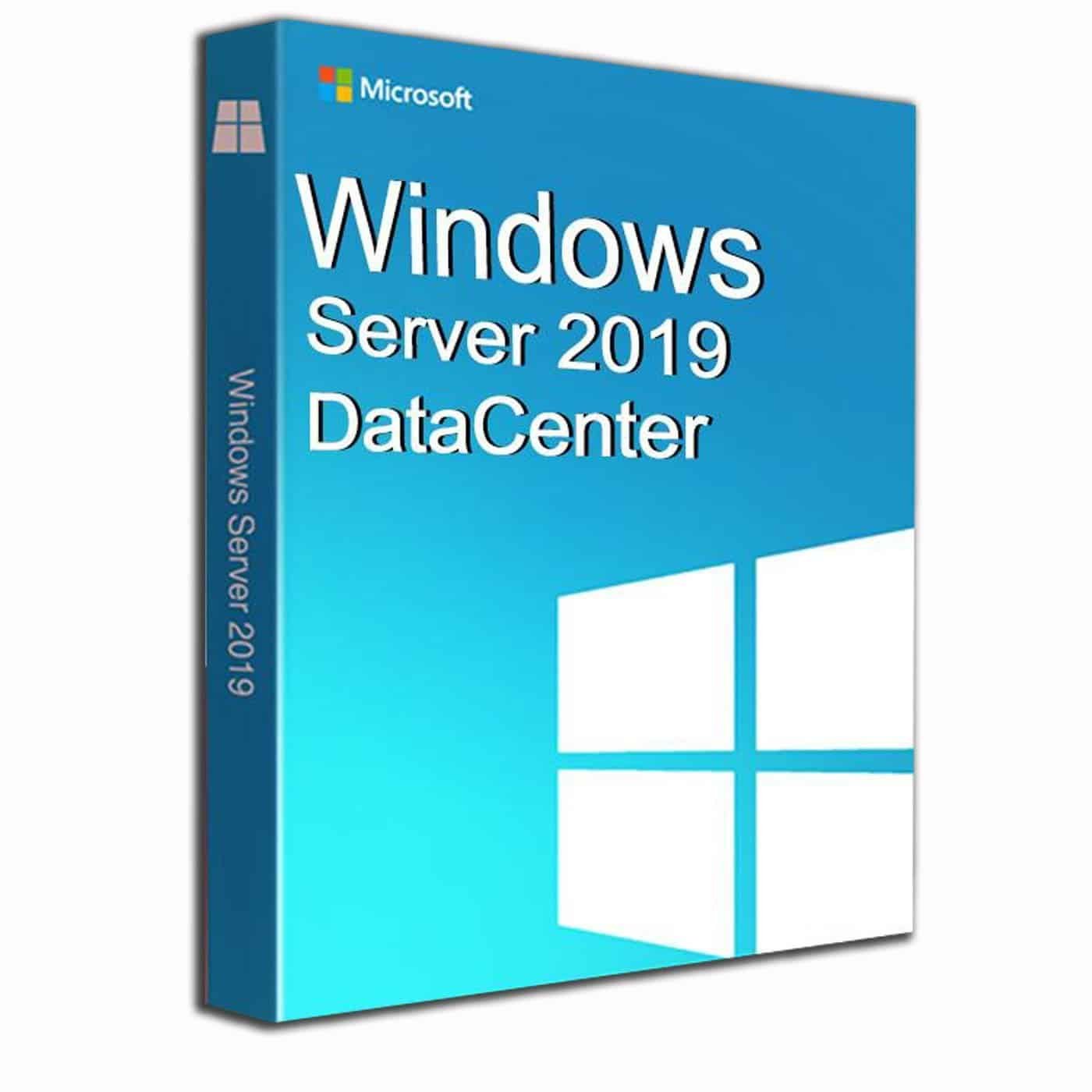
 100% Genuine (Retail Version).

The most extensive version of the software is Windows Server 2019 Datacenter, which combines all of the product’s capabilities into a single package. This package comes with all of the tools and infrastructure you’ll need to set up a secure and performant cloud-native and local server.
All in one
Because it is the most powerful and complete version of the range, Windows Server 2019 Datacenter includes all of the pre-existing capabilities that Standard customers enjoy, as well as a slew of other enhancements.
The most fundamental distinction is the number of containers that can be used in the system. While the Standard version has a maximum of two containers, the Datacenter version has no such restriction, so you can theoretically utilize as many containers as you like as long as your hardware can handle it.
Better Security
Security is among the brightest spotlights for Windows Server 2019, but Datacenter takes it up a notch with the Shielded Virtual Machines feature. This certain security protocol will protect all Hyper-V virtual machines from unauthorized access or tampering from external sources, adding a strong virtual wall to your server.
No Storage Limit
If the storage feature limit in the Standard version upsets you, Datacenter will rapidly resolve the issue. There are no storage constraints with Storage Spaces Direct and Storage Replica, so you can fine-tune the system to your heart’s delight.
Finally, Datacenter has the ability to stack networks, which gives it an edge over the Standard version.
To summarize, Datacenter is a great option for a large firm that wants to focus on cloud-native storage systems. The capabilities of the software will assist you in getting the most out of your money.
This key can activate ONE windows device, only ONE time. After activation process is done, you will NOT be able to use the same key again. Formatting the hard drive will effectively erase the key. You can NOT transfer the licence to other computer.
Product Activation
Convert Windows Server Evaluation Editions to Standard
If you, like me, have quickly built a new server or VM using the Evaluation download from Microsoft, you will find that when you get your license key and try to plug it in, it won’t work. You cannot simply use an otherwise valid key on an evaluation copy of Windows Server.
But fret not, the solution is quite simple. You merely need to run this command from an elevated command prompt:
DISM /online /Set-Edition:<edition ID> /ProductKey:XXXXX-XXXXX-XXXXX-XXXXX-XXXXX /AcceptEula
The Edition ID will be either ServerStandard or ServerDatacenter, and you’ll need to provide your product key after that. The server will complete the picture converting procedure before restarting two times.
You must re-activate the server and enter the Key after it has restarted.
It’s worth noting that if you built a domain controller using an evaluation edition, you won’t be able to update it. Either create a new domain controller or demote the evaluation edition domain controller, change the version id, and promote it again.
This key can activate ONE windows device, only ONE time. After the activation process is done, you will NOT be able to use the same key again.
Formatting the hard drive will effectively erase the key. You can NOT transfer the license to another computer.


Reviews
Clear filtersThere are no reviews yet.