Windows Server 2019: which edition do you need?
Windows Server 2019 comes in three editions. The right one depends on how many virtual machines you plan to run and whether you need advanced storage and networking features.
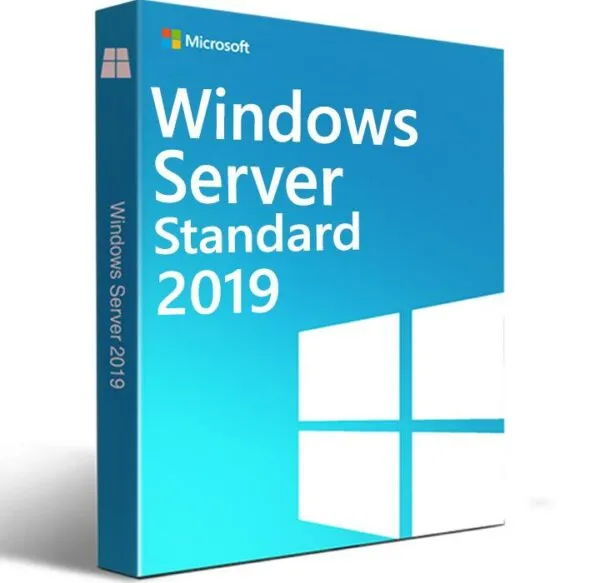
Standard — a single physical server, or up to two virtual machines on one licensed host. Covers the full Windows Server feature set except Datacenter-only extras.
Datacenter — unlimited virtual machines on one licensed host, plus Storage Spaces Direct, Storage Replica, and Shielded VMs. Built for heavily virtualized hosts and private cloud.
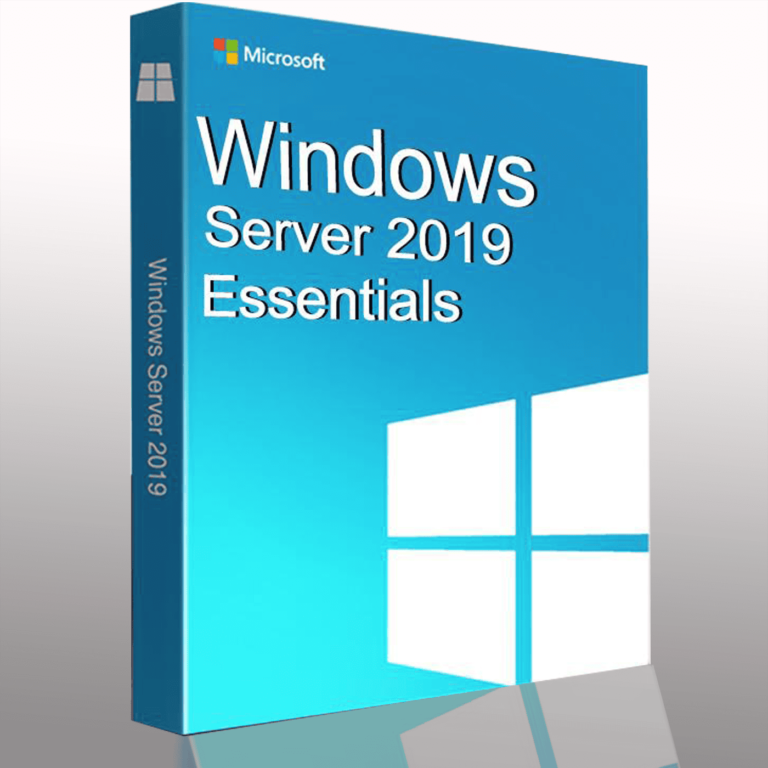
Essentials — for small environments up to 25 users and 50 devices. Access rights are included in the license, with no separate CAL to buy.
The edition logic is the same across versions — see Standard vs Datacenter — Which Edition Do You Need? for the full breakdown, including where the cost crossover between the two falls.
What’s different in 2019 vs 2016
Windows Server 2019 is built on Windows Server 2016, with the headline changes in hybrid cloud, security, and management:
Windows Admin Center — a free, browser-based management console for servers and clusters, included at no extra cost.
Storage Migration Service — a graphical tool for migrating data and server identity to newer hardware without reconfiguring users’ profiles and apps.
Shielded VMs for Linux — shielded virtual machines gained support for Ubuntu, Red Hat Enterprise Linux, and SUSE, not just Windows guests.
SMB1 removed by default — the legacy SMB1 client and server are no longer installed by default, closing off a long-standing attack surface.
Note: Windows Server 2019 is on Microsoft’s Fixed Lifecycle Policy — extended support ends January 10, 2029. Until then it receives security updates only, no new features. If you’re buying today for a server you expect to run for several more years, factor that date into your planning.
Frequently asked questions
Do I need a CAL with a Windows Server 2019 license?
Standard and Datacenter both require Client Access Licenses for every user or device connecting to the server, sold separately. Essentials is the exception — CALs are included. See User CAL vs Device CAL if you’re not sure which type to buy.
Can I upgrade from Windows Server 2016 to 2019?
Yes, an in-place upgrade path exists from 2016 to 2019. Back up before upgrading, and check that your installed roles and third-party software are supported on 2019 first.
How is the license delivered?
By email, typically within minutes of payment confirmation.
Browse the editions below, or see Windows Server 2019 Essentials: Download, Install and Activate if you’re setting up Essentials specifically.