Windows Server 2025: what’s new, and which edition fits
Windows Server 2025 is Microsoft’s current release, built on the same core as 2022, with two headline additions: hotpatching and GPU partitioning. It’s licensed under the same two-edition structure as before.
What’s different from 2022
- Hotpatching — install security updates without rebooting, on both Standard and Datacenter. Requires an Azure Arc subscription for on-premises servers — it isn’t free outside of Datacenter Azure Edition virtual machines.
- GPU partitioning — share a single physical GPU across multiple virtual machines. Standard supports this on a standalone server; clustering GPU-partitioned VMs across multiple hosts requires Datacenter.
The two editions
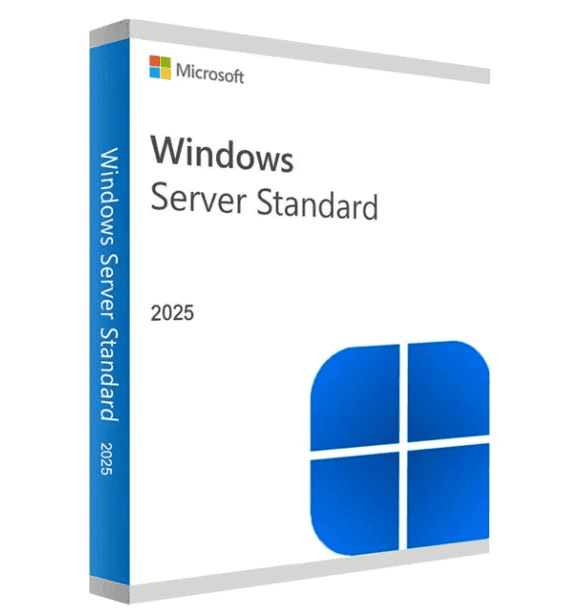
Standard — a single physical server, or up to two virtual machines on one licensed host. Includes hotpatching and standalone GPU partitioning, new in 2025.
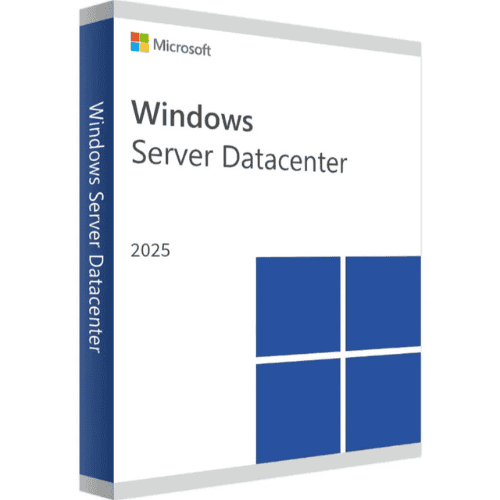
Datacenter — unlimited virtual machines on one licensed host, plus Storage Spaces Direct, Storage Replica, Shielded VMs, and the ability to cluster GPU-partitioned VMs across hosts.
Not sure which one you need? The edition logic hasn’t changed since 2022 — see Windows Server 2022: Standard vs Datacenter — Which Edition Do You Need? for the full comparison; it applies the same way to 2025.
What about Essentials?
Microsoft does list an Essentials edition for Windows Server 2025, but it’s sold only through OEM hardware bundles, not as a standalone license — it isn’t something we or most resellers can offer separately. For a small-business setup with the included-CALs model, Windows Server 2022 Essentials remains available and current.
Frequently asked questions
Do I need a CAL with a Windows Server 2025 license?
Yes, for both Standard and Datacenter — Client Access Licenses are sold separately, for every user or device connecting to the server. See User CAL vs Device CAL if you’re not sure which type to buy.
Can I upgrade from Windows Server 2022 to 2025?
Yes, an in-place upgrade path exists from 2022 to 2025. Back up before upgrading, and confirm your installed roles and third-party software support 2025 first.
How is the license delivered?
By email, typically within minutes of payment confirmation.
Browse the editions below, or go straight to Windows Server 2025 Standard or Windows Server 2025 Datacenter.